
Features
Custom CSS
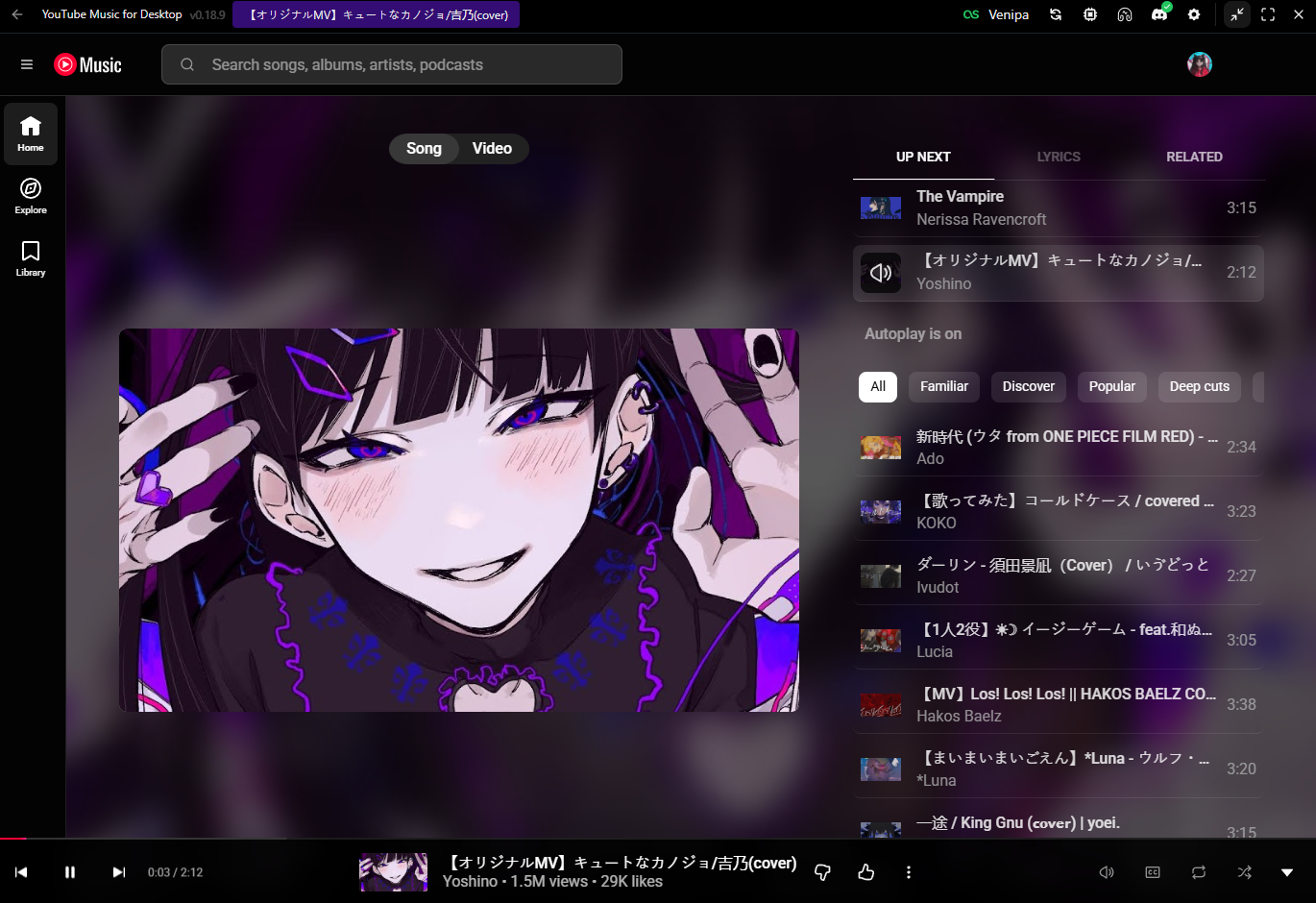
Theme YouTube Music with your own styles
Inject custom stylesheets to restyle the embedded YouTube Music UI — colors, layout tweaks, and personal chrome.
Setup
- Open Settings → Custom CSS.
- Point the app at your stylesheet (or use the built-in editor flow).
- Reload / apply — changes target the YouTube Music view.
Default file location (if unset) is under your Documents folder: ytmdesktop/custom.scss.
Tips
- Prefer SCSS/CSS that targets YouTube Music DOM carefully — upstream UI changes can break selectors.
- Keep a backup of working themes before large edits.