
Features
Last.fm
Scrobble tracks and update Now Playing
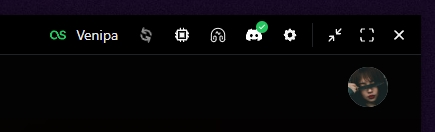
Connect your Last.fm account so YTMDesktop2 can update Now Playing and scrobble tracks that meet Last.fm’s listening rules (half the track duration or four minutes, whichever is shorter; tracks under 30 seconds are skipped).
Setup
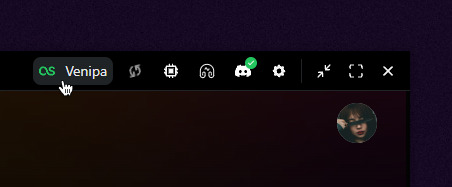
- Open Settings → Last.fm.
- Authorize the app. Your system browser opens Last.fm; after you allow access the app continues via
ytmd://integrations/lastfm/callback(or shortly after, if the browser never returns). - Keep the app running while you listen — scrobbles settle after the track threshold.
Notes
- Switching tracks mid-listen abandons a pending scrobble unless the threshold was already crossed.
- Song ↔ Music Video toggles count as one listen (YTM counterpart pair). Last.fm prefers the song (ATV) when both exist; otherwise the video.
- Loop / repeat-one: when the player reloads the same video (
dataloaded), a new listen starts — fresh Now Playing and another scrobble after the threshold. Song ↔ Music Video still counts as one listen. - After a long pause (≥ ~90s) on the same track, resume re-sends Now Playing so Last.fm picks up again (scrobble session stays the same).
- Last.fm updates are debounced so rapid skipping does not spam the API.
- Auth tokens are kept in an encrypted store — clearing app data or the key file requires re-auth.
- Toggle Last.fm off anytime without losing your login — turn it back on to resume (re-auth only if the session expired).
- Use Re-authenticate on the settings page to switch accounts or refresh a broken session.