
Features
Themes
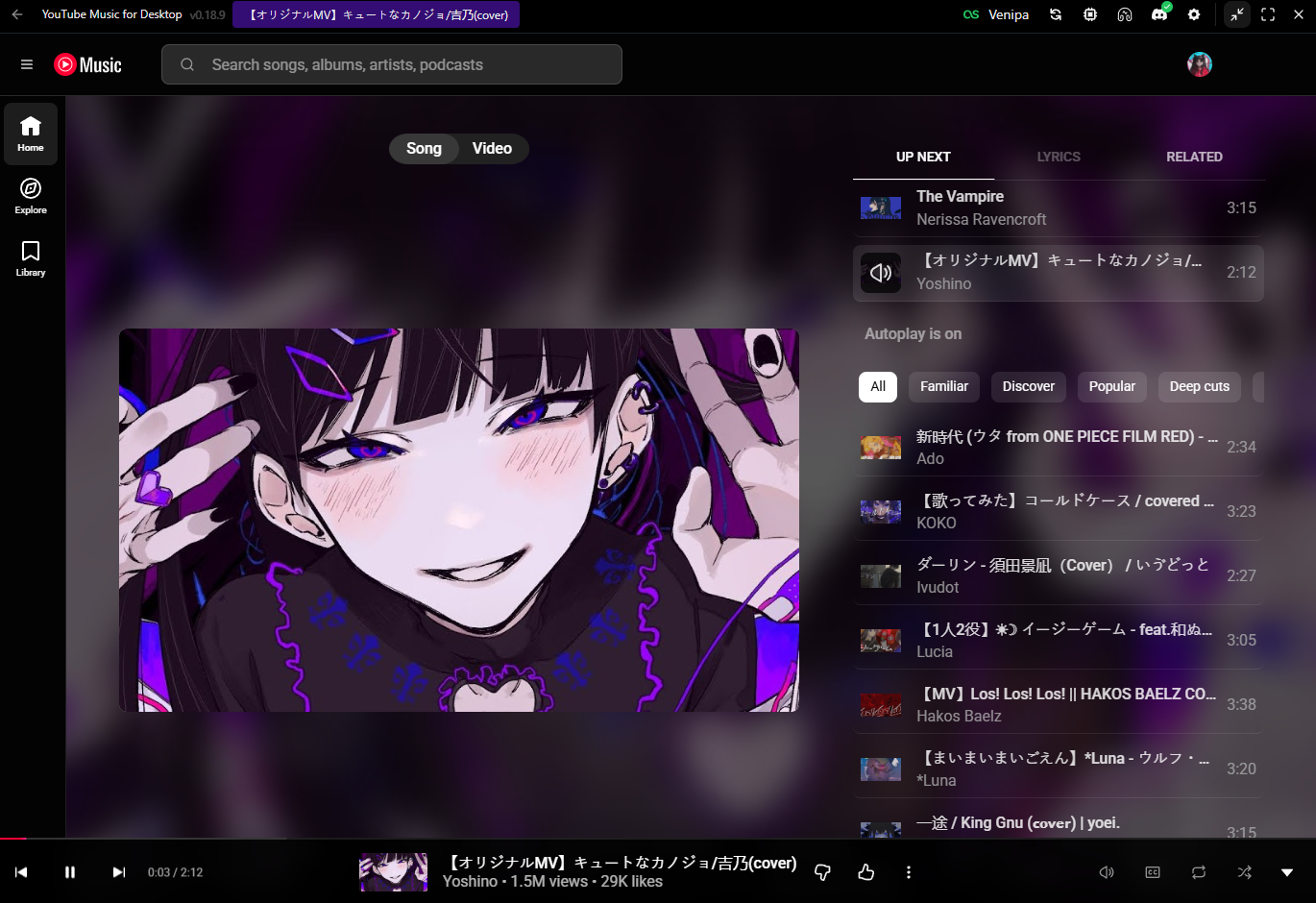
Theme YouTube Music with bundled or custom styles
Pick a bundled theme or inject your own SCSS/CSS to restyle the embedded YouTube Music UI — colors, layout tweaks, and personal chrome.
Setup
- Open Settings → Appearance → Themes.
- Turn on Enable Themes.
- Choose Default (bundled) or Custom and point at a
.scss/.sass/.cssfile. - Reload / apply — changes target the YouTube Music view.
For Custom, the default file location (if unset) is under your Documents folder: ytmdesktop/custom.scss.
Chrome options
These inject independently of which theme is selected (including when Themes is off for the stylesheet itself — chrome layers still follow their own toggles):
| Option | What it does |
|---|---|
| Enable Thumbnail Background | Soft album-art backdrop behind the player page |
| Enable Blur | Glass blur on the player page, bar, dialogs, and thumbnail soften |
Enable Blur defaults off after upgrade (migration) for smoother performance — backdrop blur is GPU-heavy. Turn it on if you want the frosted look.
Tips
- Prefer SCSS/CSS that targets YouTube Music DOM carefully — upstream UI changes can break selectors.
- Enable Update on Changes when editing a custom file to live-reload.
- If the player feels sluggish, leave Enable Blur off.
- Keep a backup of working themes before large edits.